Zuora
Introduction
Connection String
To set up a connection in Loome Integrate:
URI=https://rest.apisandbox.zuora.com;OAuthClientId=clientidfromzuoraportal;OAuthClientSecret=clientsecretfromzuoraportal;

Connection String Parameters
| Parameter | Description |
|---|---|
URI |
The location of Zuora (sandbox is dev/test) |
ClientId |
From the Zuora portal setup |
ClientSecret |
From the Zuora portal setup |
Setup a user in Zuora to access the API
| Parameter | Description |
|---|---|
| API user | ZuoruUser@ClientsDomain.com |
| Pwd: | password |
- Go into Admin, then Users, and find the API user
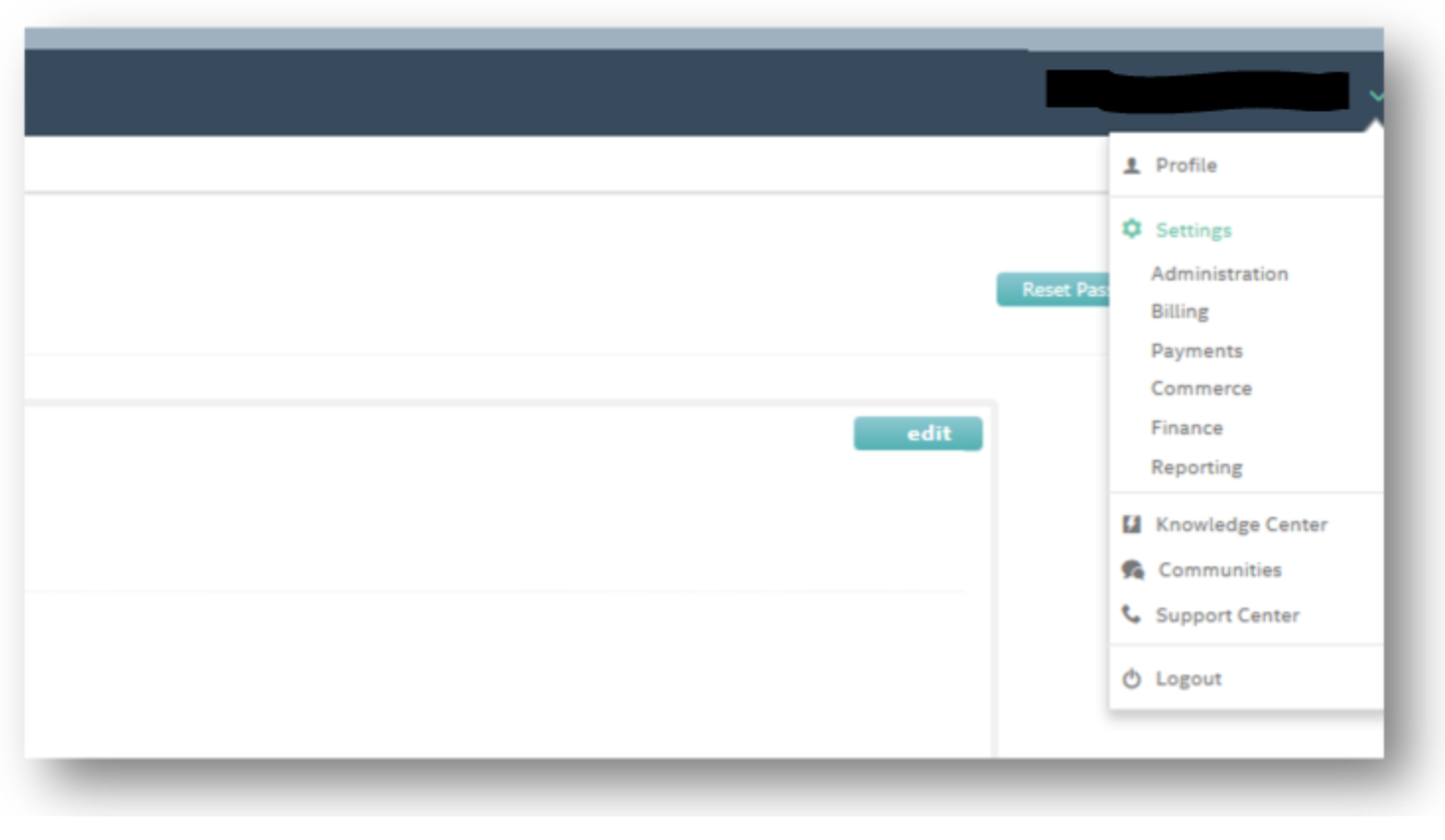
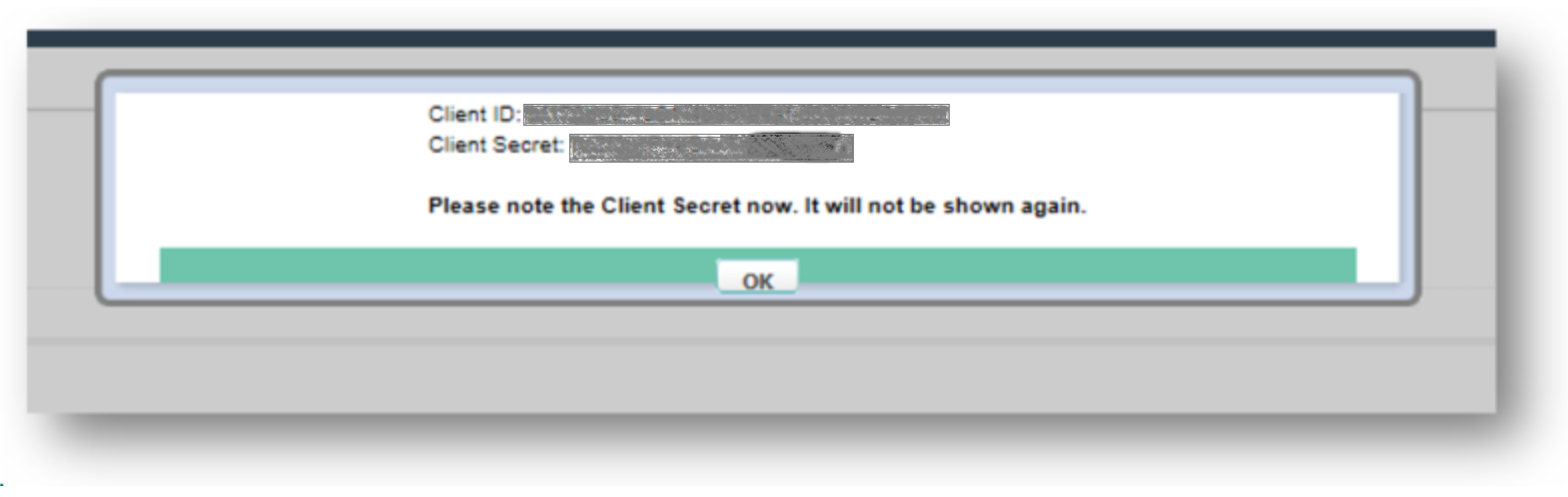
- Click Create under New OAuth Client:

This will give you the Client ID and Client Secret.
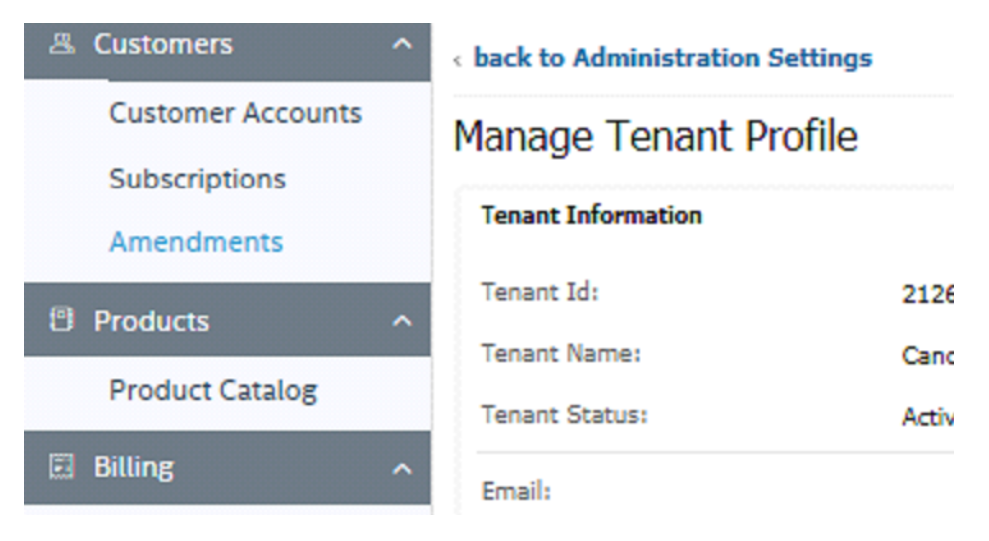
US API Sandbox Tenant
Endpoint: https://rest.apisandbox.zuora.com
Tenant Details
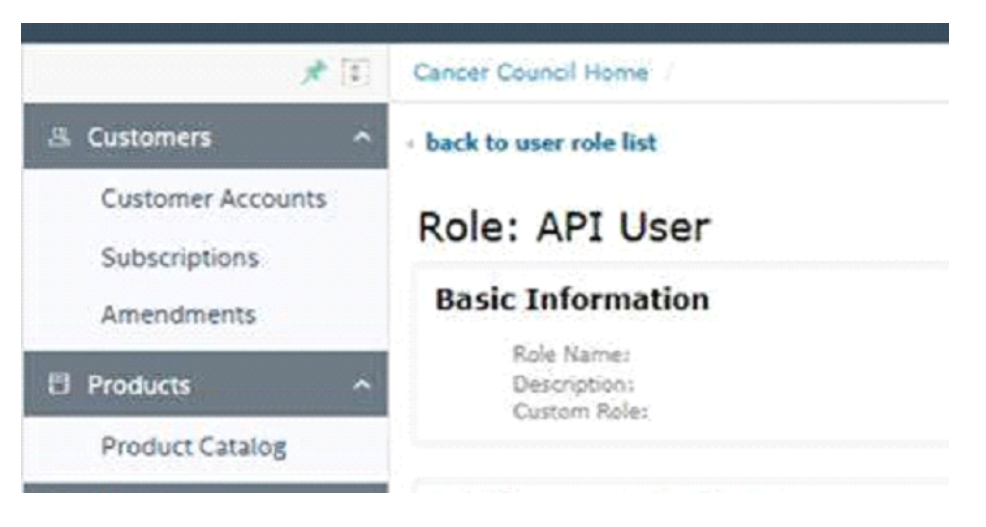
API Role
Once a user is setup the clientid/secret is displayed in the Zuora Portal.