Adding Connections, Data Sets, and File Definitions
Once a project has been created and assigned to a group, you can start adding the required connections, datasets, and file definitions to that project.
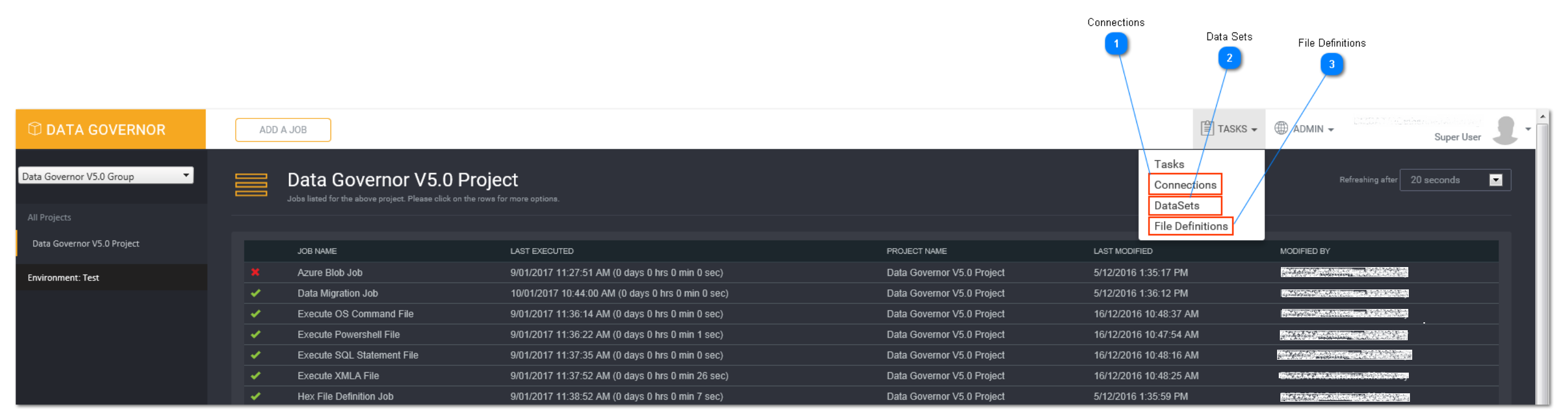
Connections
Select the Connections option from the Tasks drop down menu to create and view connections that are available to the project.
Connections created here will be used in the following task types and areas:
- Data Migration
- Stored Procedure
- XMLA
- MDS
- SQL Statement
- Deployment (Admin menu)
- Datasets (Tasks menu)
Data Sets
Select the Data sets option from the Tasks drop down menu to create and view datasets that are available to the Project.
Datasets created here will be used in the following task type:
- Reconciliation
Tip: A connection must be added first before creating a data set.
File Definitions
Select the File Definitions option from the Tasks drop down menu to create and view file definitions that are available to the project.
File definitions created here will be used in the following task type:
- Data Migration