Feedback
What is Feedback?
Loome Publish allows Administrators to provide feedback on the product to us from within Loome itself. You can report a bug, send us a compliment or suggestion, or raise an issue. It’s really easy, just fill out the feedback form!
How do I submit a feedback form?
Click the Settings cog icon at the top right hand corner.
Select Feedback. A feedback form will appear.
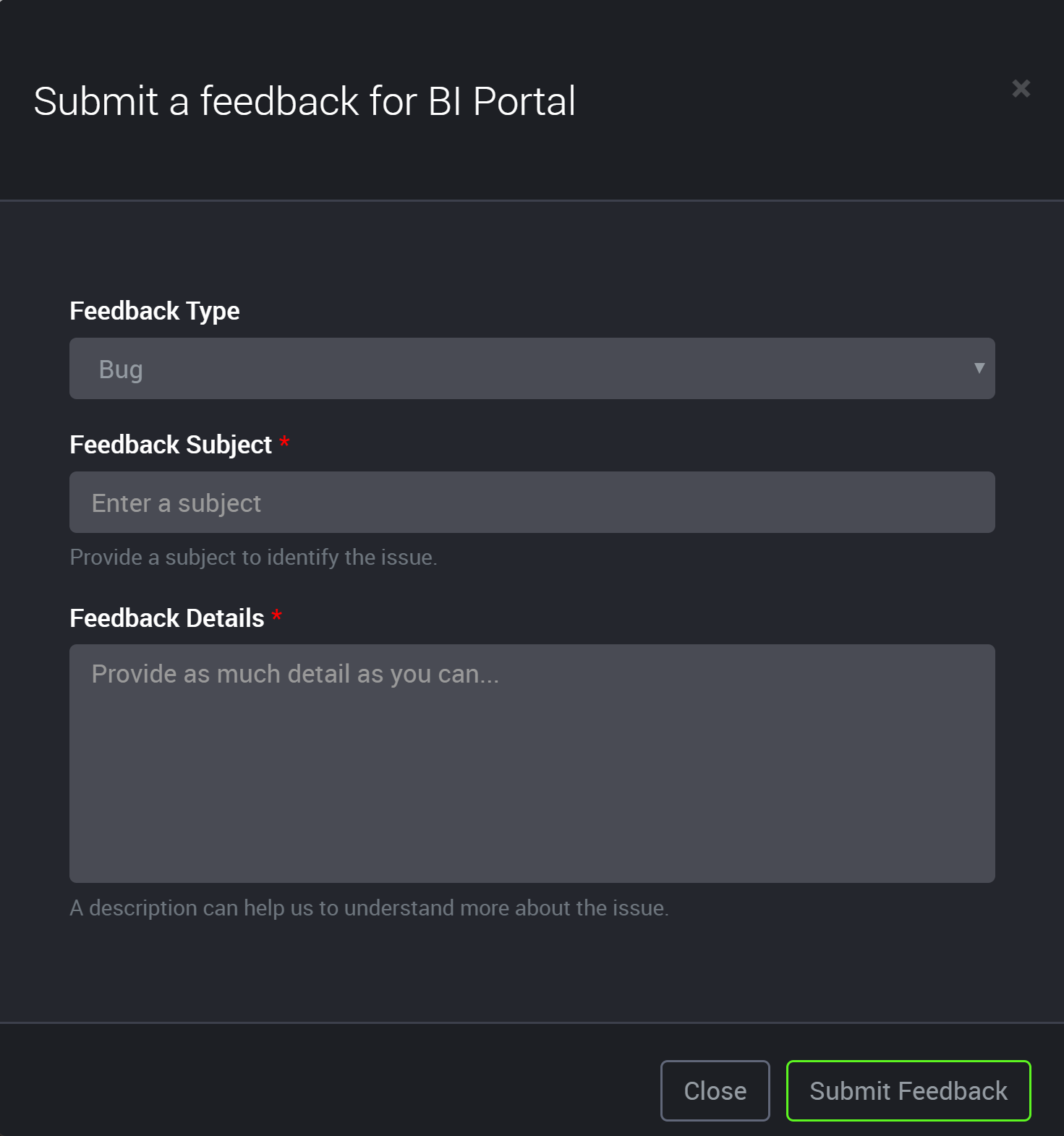
Select a Feedback Type.
The options available are:
- Bug
- Compliment
- Issue
- Suggestion
Enter in the Feedback Subject (required).
Enter in the Feedback Detail (required).
Click the Submit Feedback button.
Click **Close** at any time to cancel out.