About
What is the About page?
The About page allows you to view Loome Publish licence details.
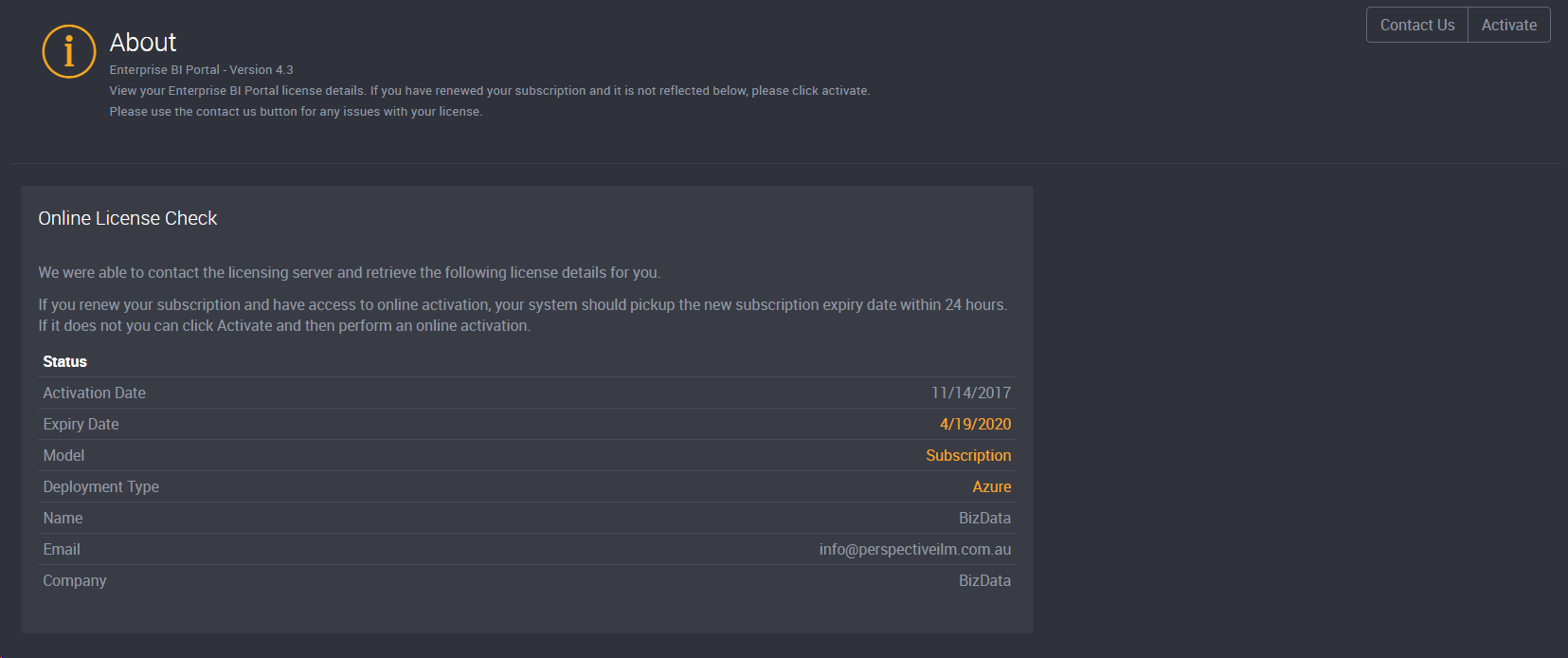
The About page will show you information on your software licence including:
- Activation Date
- Expiry Date
- Model
- Deployment Type
- Name
- Company
How do I view my licensing information?
Click the Settings cog icon at the top right hand corner.
Select About.
How do I know when my licence is expiring?
Administrators will be notified when your BI Enterprise Portal licence is approaching its expiry date.
A notification will appear at the top right hand corner:
- For a trial - one month out from the expiry, and then each week thereafter (3 weeks, 2 weeks, 1 week).
- For a subscription - three months out from the expiry, and then each month thereafter (2 months, 1 month).
Clicking on the notification will take you to the About page where you can renew your licence.