Editing a Task
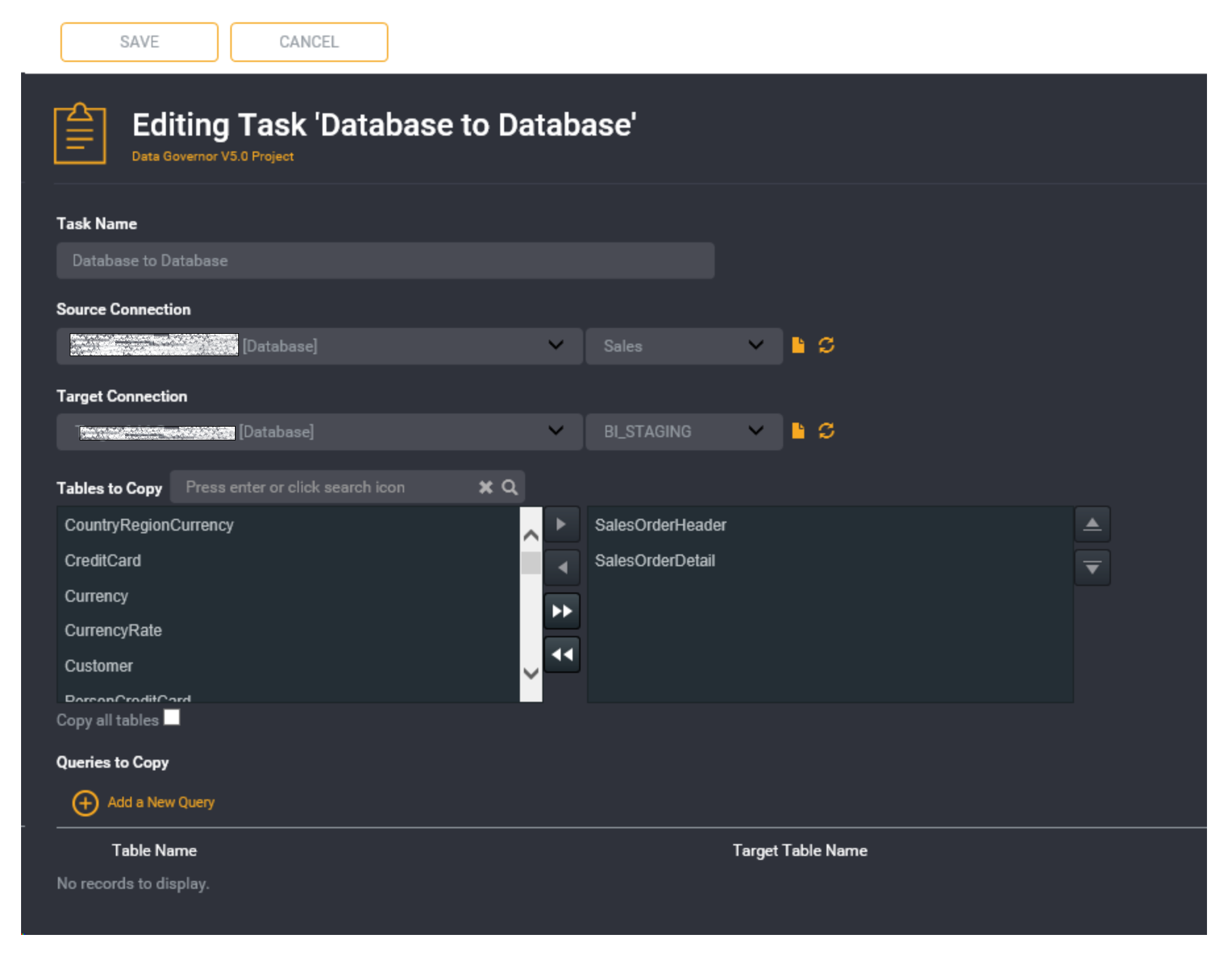
Click on the task, then select the Edit Task option from the sub menu.
The selected task will become editable.
Make any changes required.
Click the Save button to save any changes made.
An information box will appear to confirm the save.