User Option Menu Items
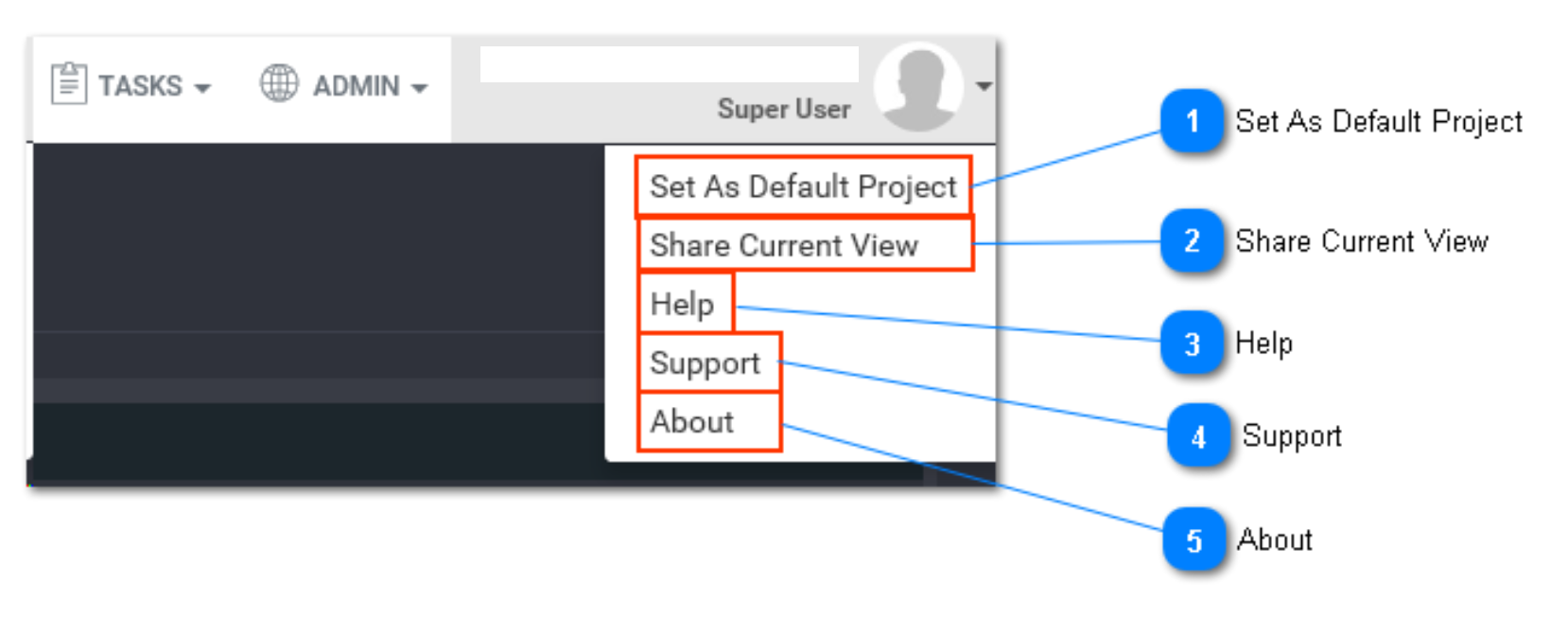
Set As Default Project
This option allows you to set the current project as your default project. This means that every time you open Loome Integrate, this will be the project you see on the first screen.
Share Current View
This option allows you to send the current view as a link via an email to recipients.
Help
This option allows you to email to the Loome Team at info@loomesoftware.com
Support
This option allows you to post any queries on Yammer. It will redirect you to the Yammer website. Log in with your email and password.
About
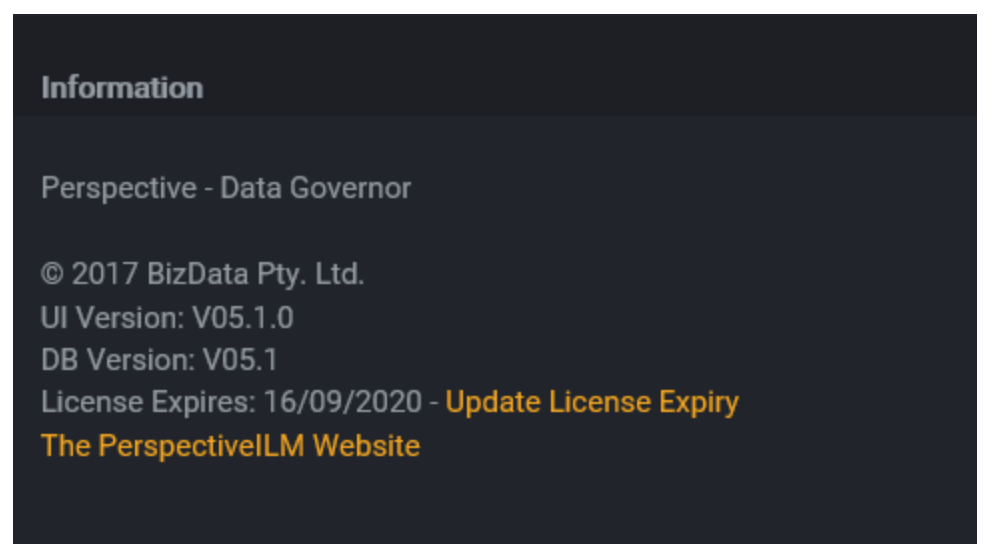
This option allows you to view license and version build information. You can also renew or update your Loome Integrate license here.
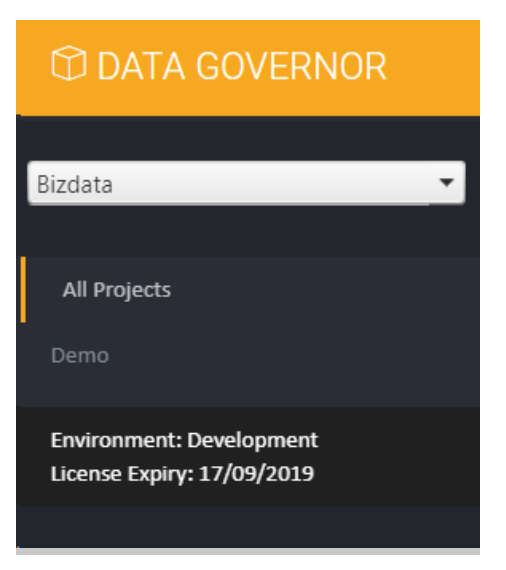
Tip: The Loome Integrate environment and license expiry are also displayed in the navigation menu, underneath the projects.